Google Business Profile (formerly known as Google My Business) is a free tool that allows business owners to manage their online presence across Google, including Search and Maps. With a verified profile, businesses can display important details such as address, phone number, hours of operation, and customer reviews, making it easier for potential clients to find and engage with them.
Step 1: Sign in to Google
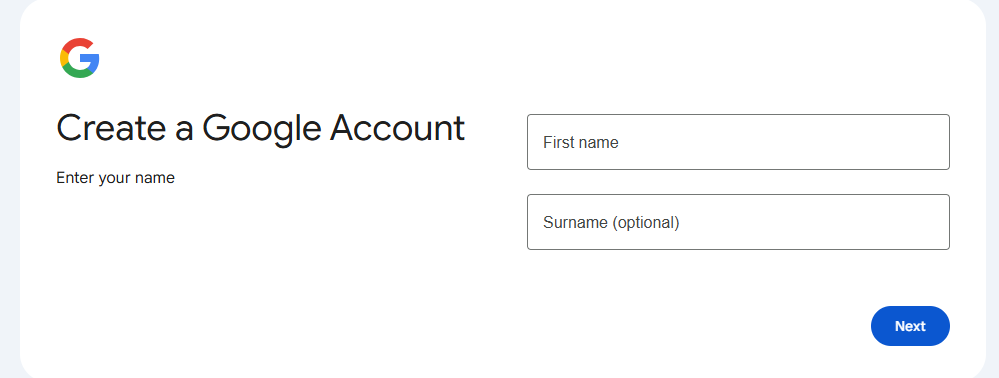
The first step to claiming your Google Business Profile is to sign in to your Google account. If you don’t have one, you’ll need to create a Google account. Visit [Google's Sign Up page](https://accounts.google.com/signup) and follow the instructions to set up your account. This account will be used to manage your business profile.
Step 2: Go to Google Business Profile Manager
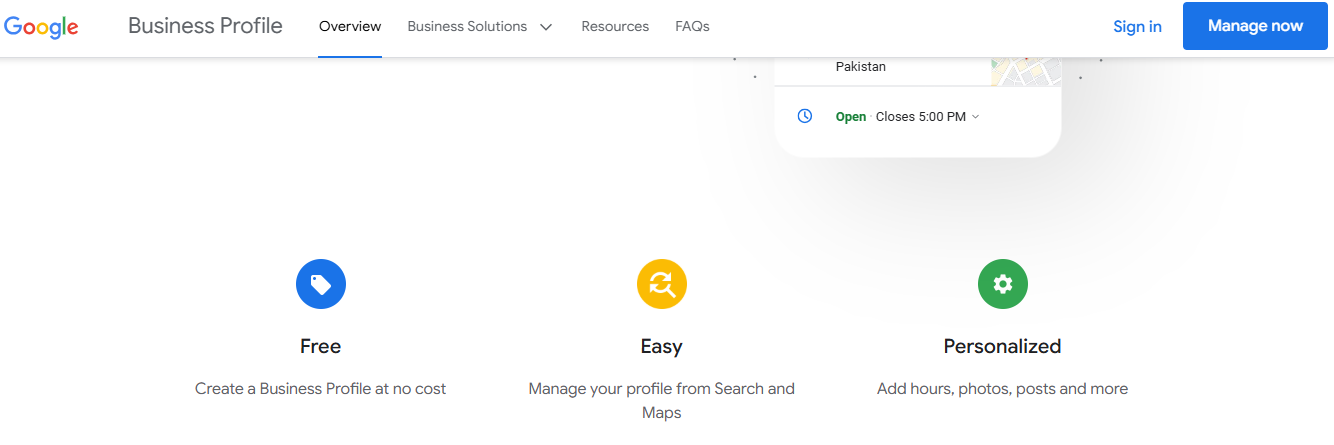
Once you’re signed in, navigate to the [Google Business Profile Manager (https://www.google.com/business/). Click on the "Manage now" button to start the process of claiming or creating your business profile.
Step 3: Enter Your Business Name
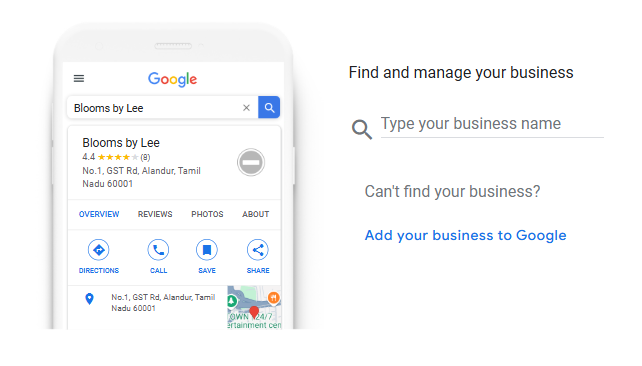
In the Business Profile Manager, enter the name of your business. If your business is already listed, it may appear in the dropdown list as you type. Select your business from the options if it shows up; otherwise, click on the option to add a new business.
Step 4: Choose Your Business Category
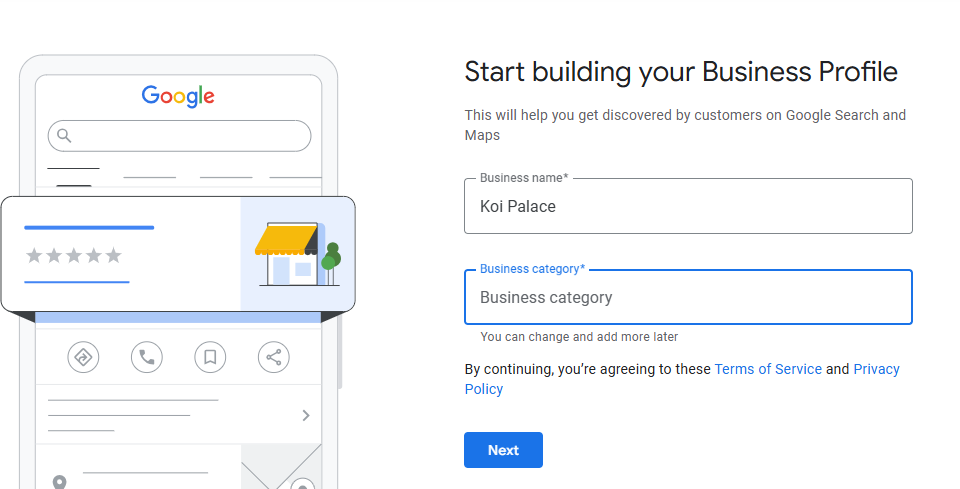
Selecting the right category is crucial because it determines how customers find your business in search results. Think carefully about the main service you provide. You can also select additional categories that apply to your business, which helps improve your visibility.
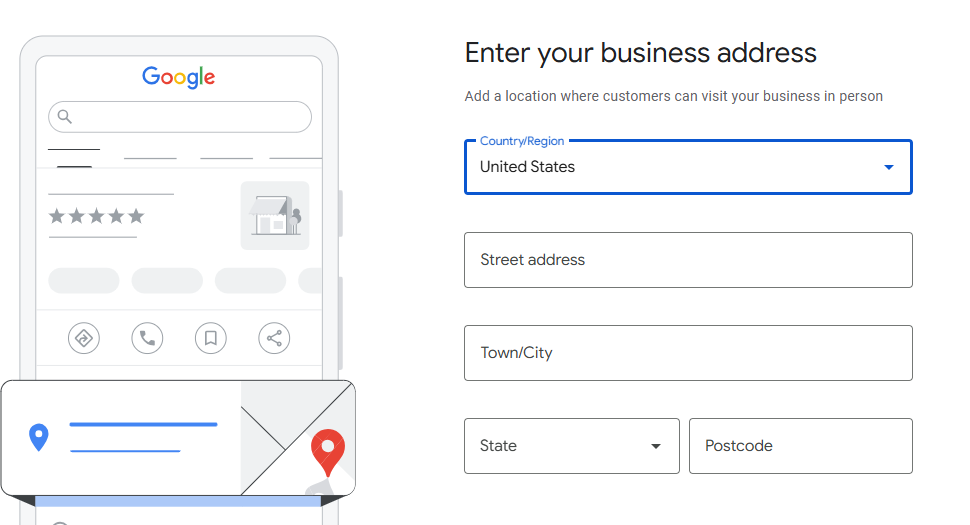
Step 5: Add Your Location
If your business has a physical location where customers can visit, choose “Yes” when asked if you want to add a location. You will then need to input your address. Be accurate with the details, as they will be displayed on Google Maps and in search results. If you do not have a physical location but offer services in certain areas, you can list those service areas instead.
Step 6: Input Contact Information
Next, provide your business phone number and website URL (if available). This information is vital for prospective customers who wish to reach out to you directly. Make sure these details are current and correctly formatted.
(1).jpg)
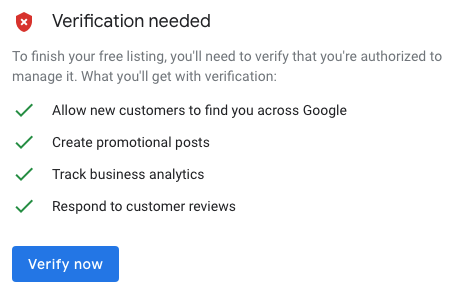
Step 7: Verification Process
After filling out the required information, Google will prompt you to verify your business. There are several methods of verification, but the most common is via a postcard that Google sends to your business address. The postcard will contain a verification code that you'll need to enter in the Business Profile Manager. In some cases, you might be able to verify via phone or email, depending on your business type.
Step 8: Complete Your Profile
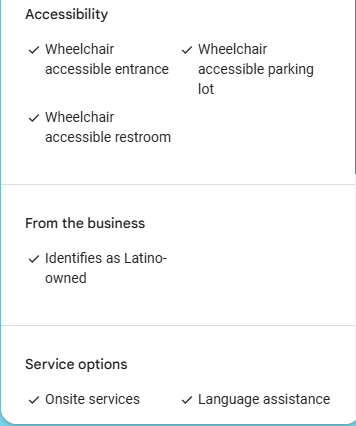
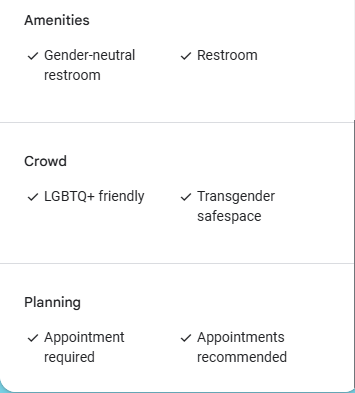
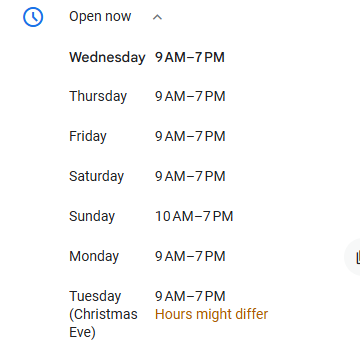
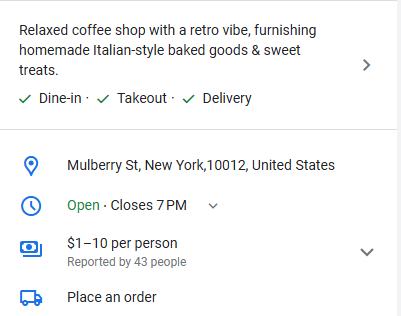
Once your business is verified, it’s time to complete your profile. Add high-quality images of your business, products, and services to make your profile visually appealing. Write a compelling business description that outlines what you offer, your unique selling points, and any special promotions. Fill out the business hours so customers know when they can visit or contact you.
Step 9: Manage Reviews and Customer Interactions
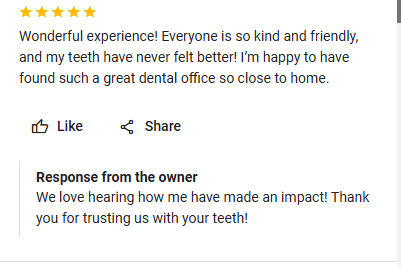
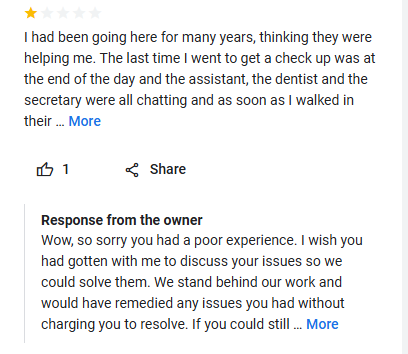
A crucial aspect of maintaining a successful Google Business Profile is actively managing customer reviews. Encourage satisfied customers to leave positive feedback, and always respond to reviews—both positive and negative. Engaging with your customers shows that you value their opinions and fosters trust in your brand.
Step 10: Utilize Insights and Updates
Lastly, take advantage of the insights provided by Google to track how customers interact with your profile. You can see data on how many people viewed your profile, requested directions, or called your business. Use this information to optimize your profile further. Regularly update your profile with posts about new products, offers, or events to keep your audience informed and engaged.
In conclusion, claiming your Google Business Profile is an essential step for increasing your online visibility and attracting local customers. By following these steps, you’ll ensure that your business is well-represented on one of the most powerful platforms in the world. Remember, a well-maintained profile not only improves your chances of being found but also enhances your credibility in the eyes of potential customers. Once your Google Business Profile is complete you can use GMB Radar's Local Search Results Checker service to know how your business is performing in local searches. Take action today and watch your business grow!
 GMB Radar